01 / 04
Log an experience
A minute of writing, or a short exchange with Chartership Guide. Ordinary work goes in as it happens.
Chartership Guide
Chartership Guide walks with you through ordinary work and helps you develop and organise your own evidence for a chartership application, so it builds up during the year instead of in a scramble at the end.
A minute of writing, or a short exchange with Chartership Guide. Ordinary work goes in as it happens.
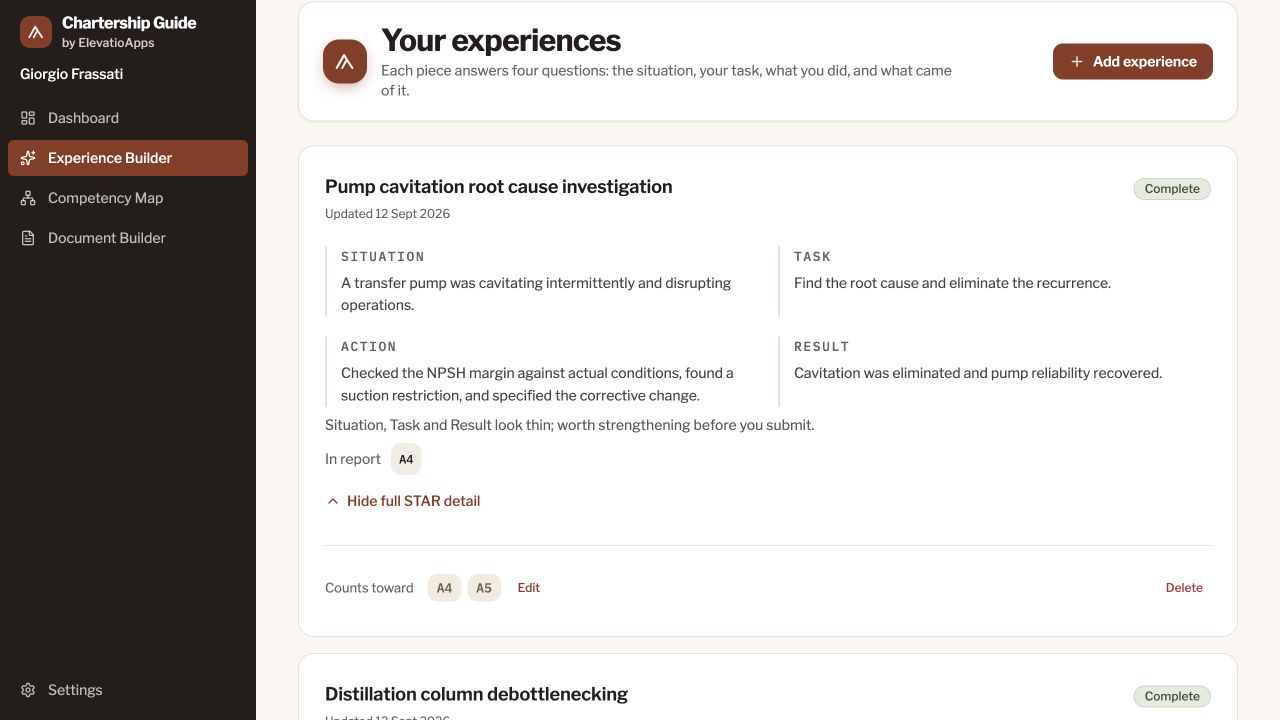
Describe the situation, task, your actions and the result. AI can ask questions, critique and help edit your own material, but it does not supply experience you have not had. Review it, mark it complete and link it to competencies.
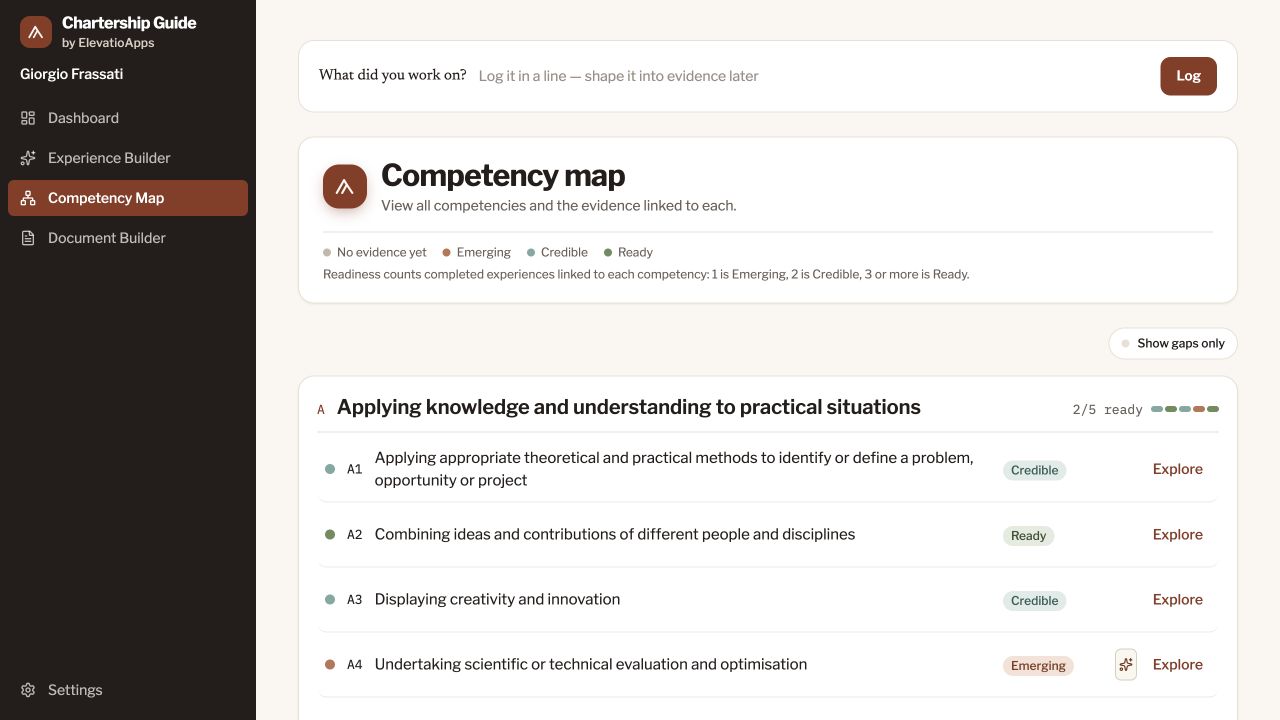
Find competencies with fewer completed experiences and decide what to develop next. Coverage is a starting point for a discussion with your mentor.
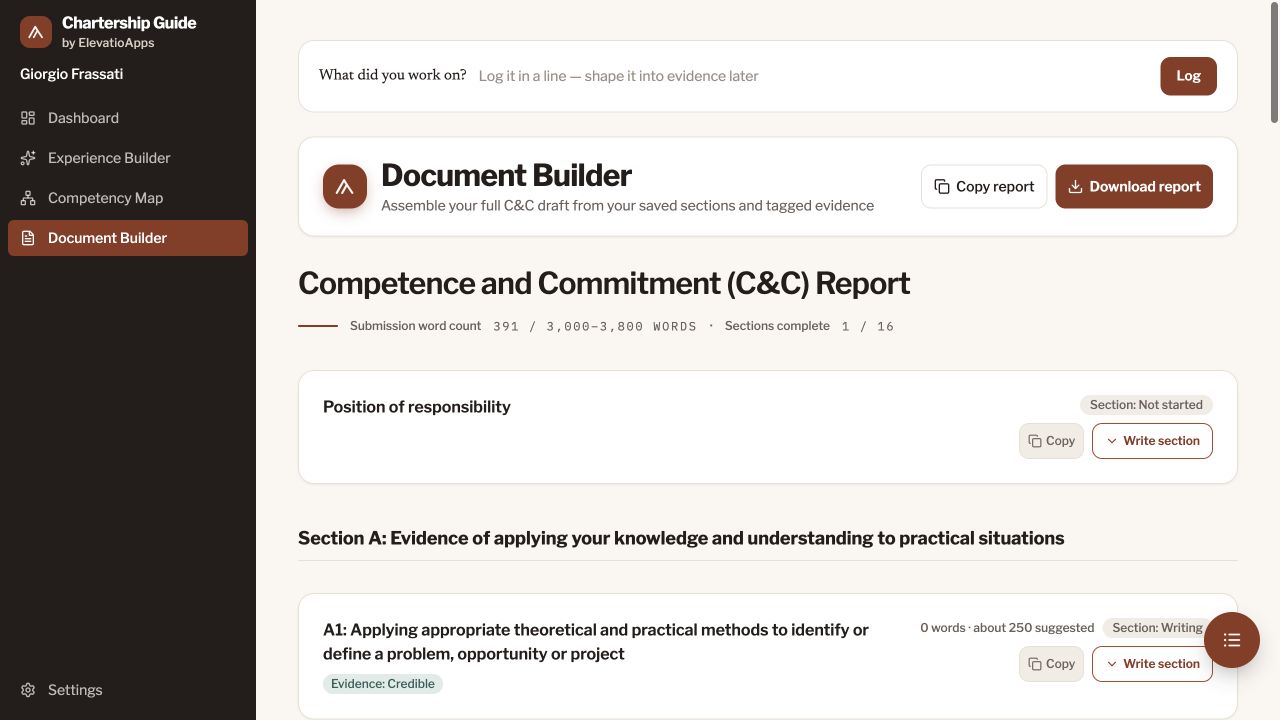
Choose evidence for each section, review and edit the writing in Document Builder, then download your report as a Word document. You remain responsible for its accuracy and your institution’s submission requirements.
Sample account based on IChemE 2025 Framework
You haven't logged anything against this competency yet. You can see that, so you know where to focus next.
“Nothing here yet. Log an experience from this week and we'll get started.”
One distinct completed experience is linked to this competency. Drafts do not count towards coverage.
“What other experience could help you explore this competency?”
Two distinct completed experiences are linked to this competency.
“Review these experiences with your mentor and consider any gaps.”
Three or more distinct completed experiences are linked. Ready describes coverage, not approval to submit.
“Check the quality and relevance of your evidence before preparing your application.”
See linked evidence across the selected framework and decide where to focus next. The AI-generated coaching summary can help you prepare for a conversation with your human mentor; it does not replace their judgement.
Illustration of IChemE 2027-1: 17 competencies. Colours show coverage counts, not professional assessment.
UK launch
Chartership Guide is preparing for its UK launch. Signups and waitlist registration are currently closed.
Contact support